Invoices
The Invoices module manages invoice creation, tracking, and payment monitoring.
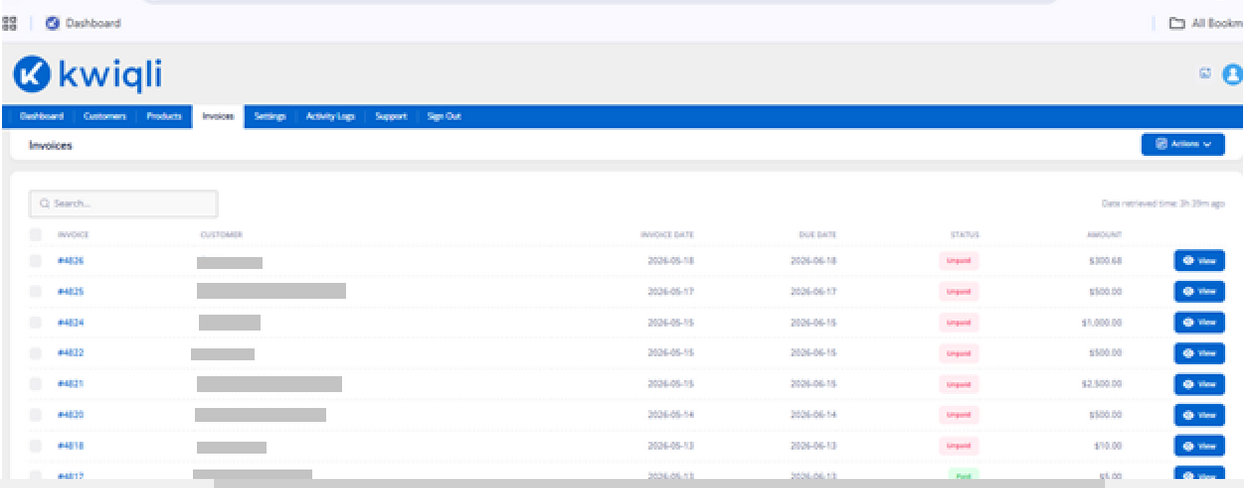
Viewing Invoices
-
Click the Invoices tab.
-
Review invoice records.
-
Use the Search field to locate invoices.
Functions
-
Track payment status
-
Review invoice balances
-
Monitor due dates
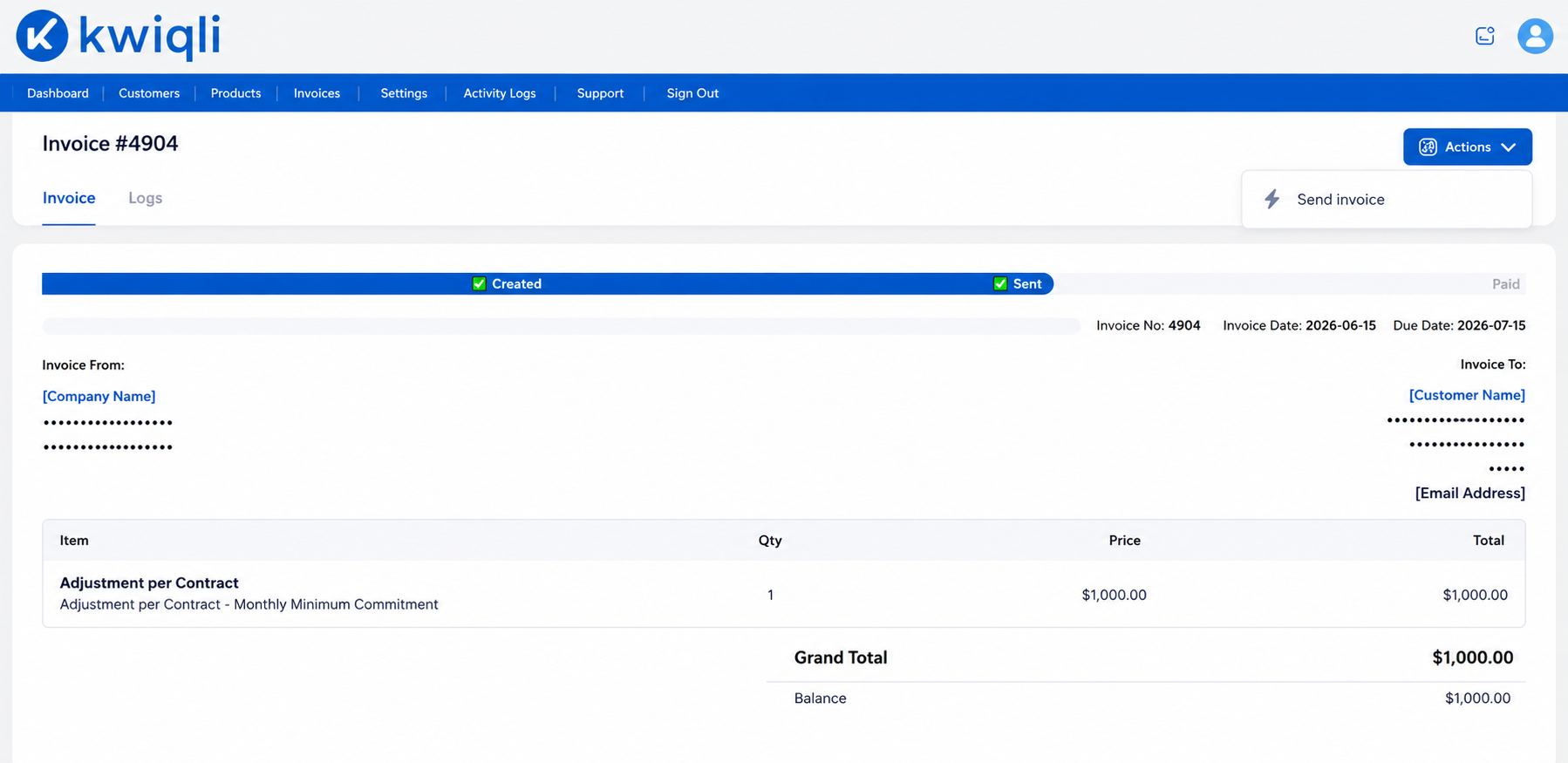
Viewing Invoice Details
-
Locate an invoice.
-
Click View.
-
Review:
-
Line items
-
Customer details
-
Payment status
-
Invoice history
Functions
-
Audit billing details
-
Verify invoice accuracy
-
Review payment activity
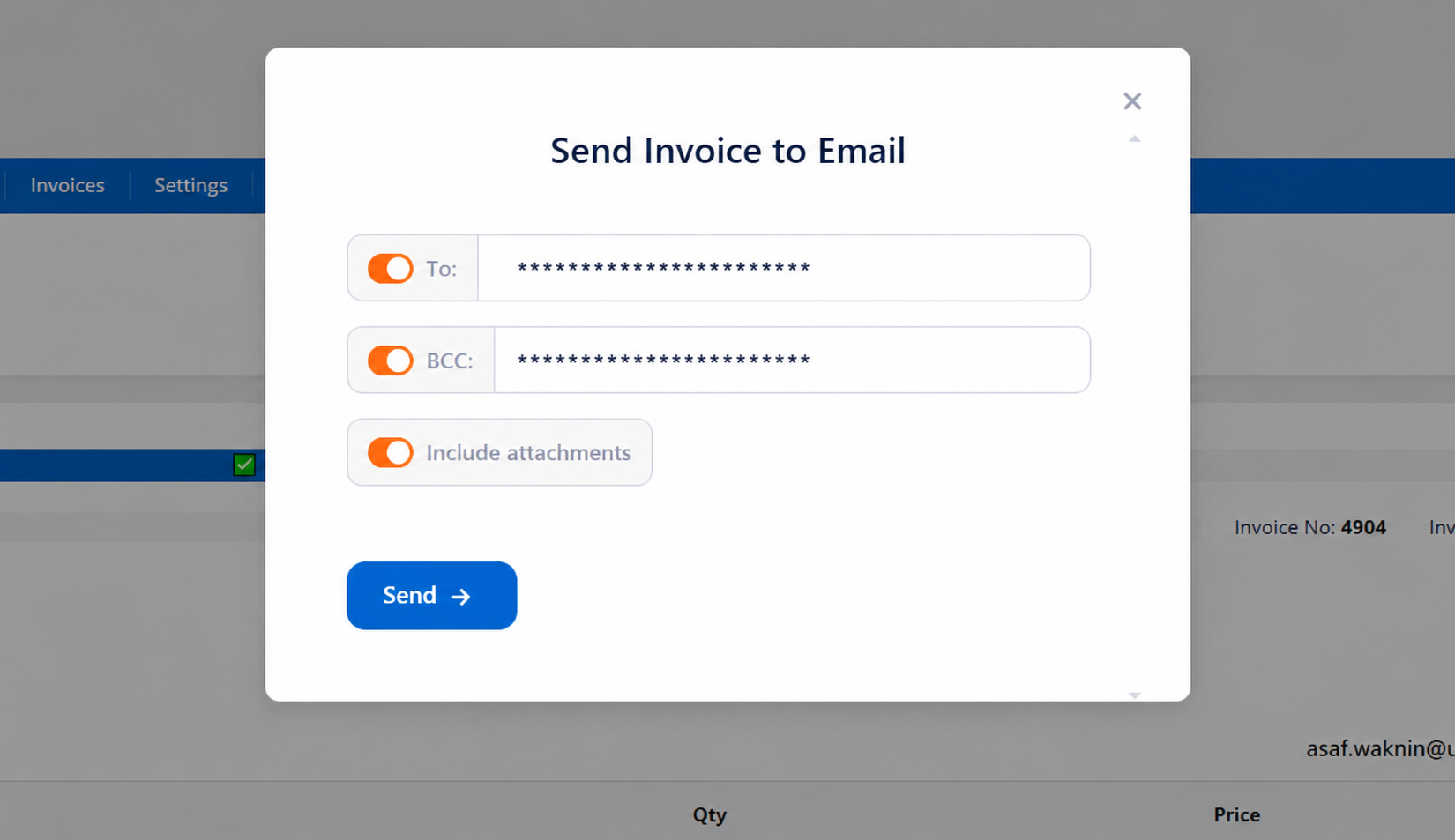
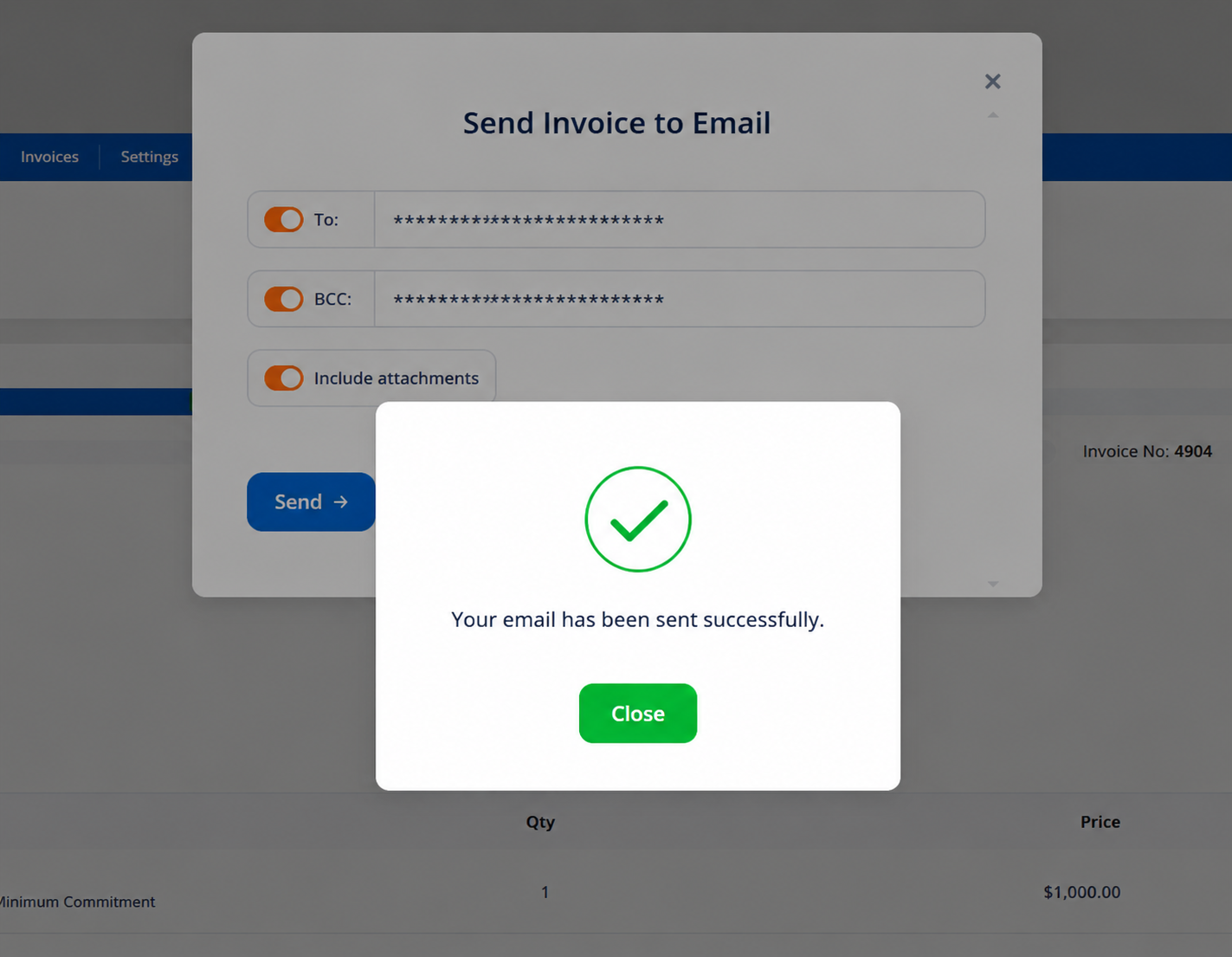
Sending an Invoice
You can send an invoice directly to your customer from the Invoice Details page.